

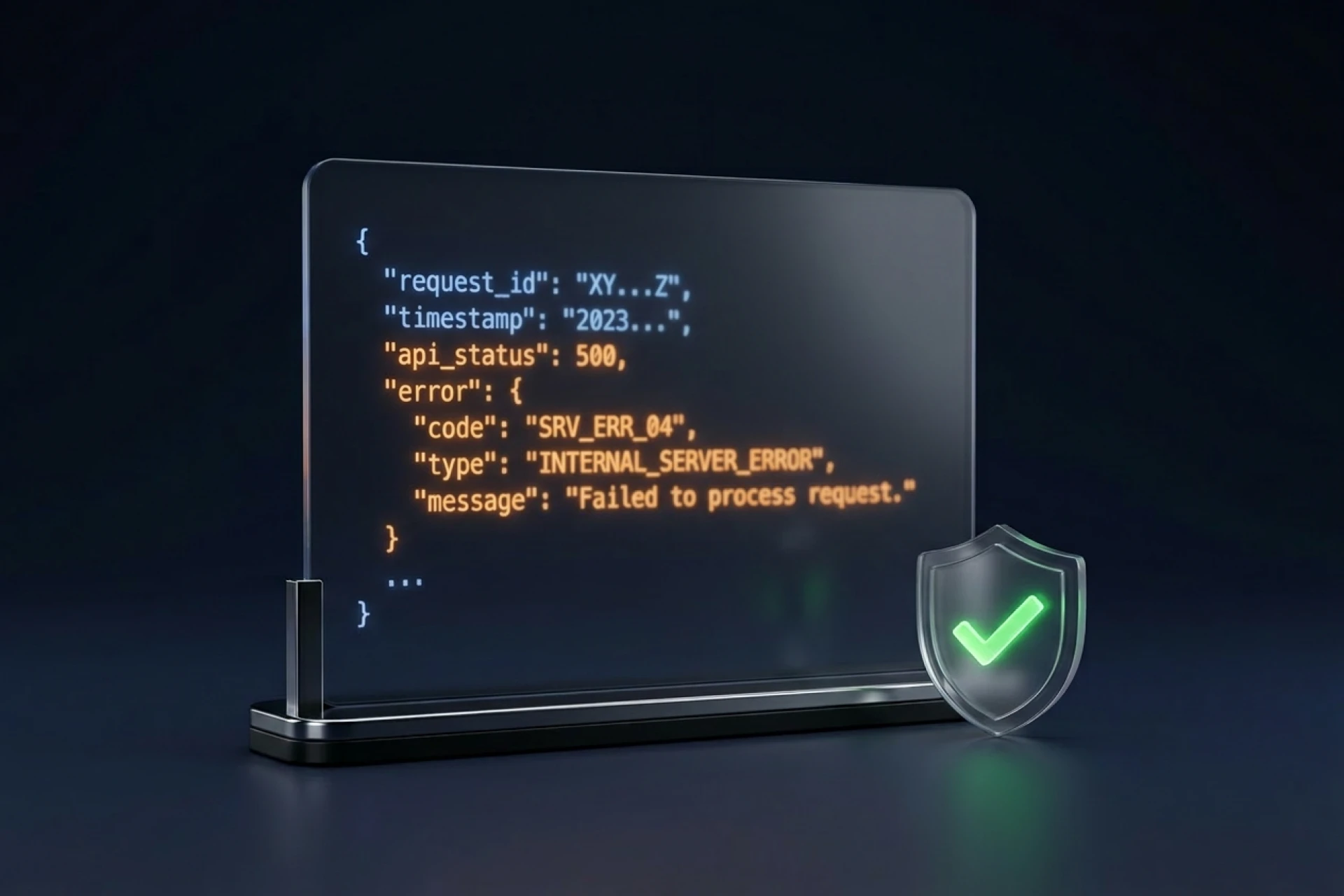
When integrating SMM panel APIs, things will occasionally fail. Network issues, insufficient balance, invalid links—errors happen. Here's how to handle them properly.
Common API Errors
Authentication errors: Invalid or expired API key. Check credentials.
Insufficient balance: Not enough funds for the order. Add balance or reduce order.
Invalid service: Service ID doesn't exist or is disabled. Check service list.
Invalid link: URL format not accepted. Verify link format.
Rate limiting: Too many requests too fast. Slow down.
Server errors: Provider-side issues. Retry later.
Handling Errors Gracefully
1. Check response status: Always verify the response before processing.
2. Log everything: Keep records of errors for debugging.
3. Notify appropriately: Alert users (or yourself) when significant errors occur.
Retry Logic
For transient errors (network, server issues), retrying often works:
• Wait before retrying (2-5 seconds) • Limit retries (3-5 attempts max) • Increase wait time with each retry (exponential backoff) • Give up after max retries and log the failure
Preventing Common Issues
Cache service list: Don't fetch on every order. Update periodically.
Validate inputs: Check links, quantities before sending to API.
Monitor balance: Automated alerts when balance runs low.
Conclusion
Error handling isn't glamorous, but it's essential. Build it in from the start—you'll thank yourself later.
→ Full API guide: /blog/smm-panel-api-integration → API docs: /api/docs
Published by GP Editorial | January 2026